

Skip to content

✌🏼 Free shipping on orders over $89!

How to Stop Social Media Addiction: A Practical 14-Day Plan (Plus Screen-Free Swaps)

Written by: The Art Noise Team

The Art Noise Team shares practical guides on art materials, studio workflow, and techniques, written for working artists and beginners alike. Our content is grounded in day-to-day conversations with artists in Kingston, Ontario, and focuses on helping you choose supplies with confidence.

If social media is taking more than it gives, you do not need perfect willpower, you need better defaults. This guide gives you a practical 14-day reset with scripts, checklists, and troubleshooting for common triggers. You will also get screen-free swaps by age, budget, and time, so your new habits actually stick.

Art Noise

How to stop social media addiction, start with a realistic definition

“Social media addiction” can sound dramatic, but for most people it means compulsive checking, losing time, and feeling pulled back even when you planned to stop. The goal here is not perfection. It is control: you choose when you use it, and you can stop when you are done.

Constraints (use these to pick the right approach):

  • Age range: This plan works for teens and adults. For younger kids, focus on family routines and device-free zones (and keep it simple).
  • Budget: Free to start. Optional upgrades under $20 (a notebook), under $50 (a kit or puzzle), or under $100 (classes or a bigger hobby setup).
  • Time: You can start with 10 minutes today, then build 20–60 minute screen-free blocks a few times per week.

Quick self-check (2 minutes): If you say “yes” to 3 or more, this plan will help.

  • I open social apps without deciding to.
  • I lose time, then feel annoyed or drained.
  • I check while waiting, bored, or stressed, even when I do not want to.
  • I reach for my phone first thing in the morning or last thing at night.
  • I feel worse after scrolling, but I keep doing it.

Choose your target: pick one for the next 14 days, not forever.

  • Reduce: cut daily scrolling by 30–60 minutes.
  • Reset: remove the “autopilot” loop and rebuild healthier defaults.
  • Rebuild: replace scrolling with a hobby you can actually stick to (ideas below, plus screen-free activity options).
Shop

A practical 14-day plan (step-by-step) to cut the habit loop
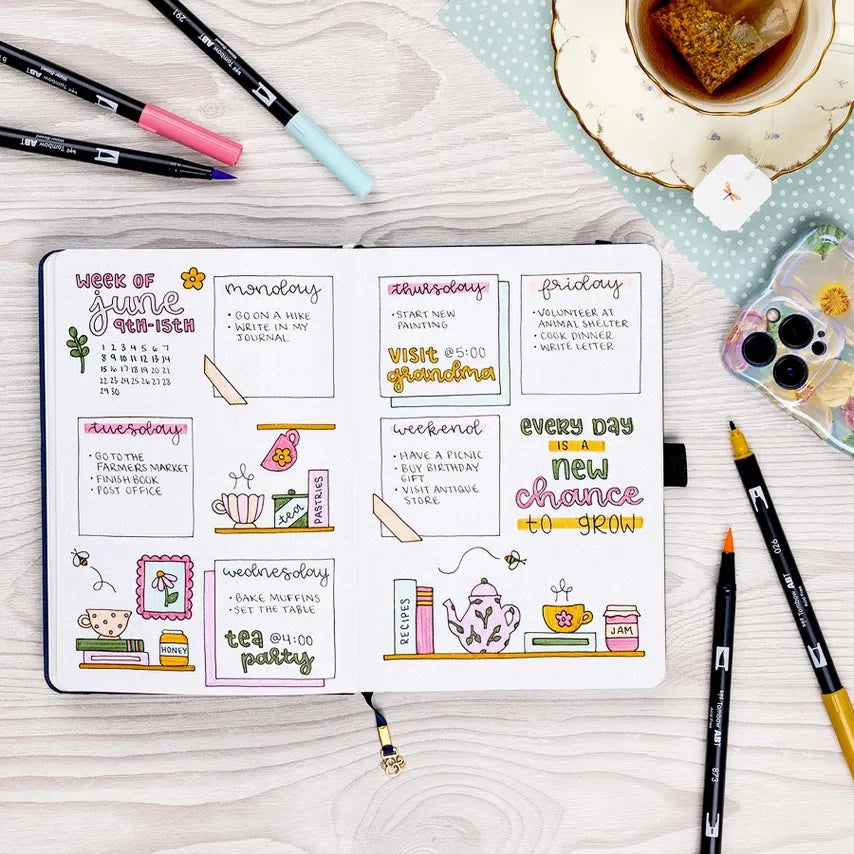
This is a reset plus replacement plan. You will add friction to scrolling, then make the alternative easier than your feed.

  1. Day 1, set one clear rule (5 minutes): “I only check social media twice per day, after lunch and after dinner, for 10 minutes.” Write it in a notebook or planner so it is concrete. If you like pen-and-paper tracking, start with Notebooks & Planners.
  2. Day 1, do a trigger audit (5 minutes): Write your top 3 triggers (bored, stressed, lonely, procrastinating, waiting). Next to each, choose a 2-minute replacement (see Section 4).
  3. Day 1, remove easy entry points (10 minutes): Turn off non-essential notifications, log out of social apps, and move them off your home screen. If you cannot delete them, add a “speed bump” like a folder named “Do I really want this?”
  4. Days 2–3, create phone parking zones (10 minutes): Pick two places where your phone does not go (bedroom, dinner table, workspace). Put a notebook and pen there instead (browse Stationery if you need a simple setup).
  5. Days 4–6, schedule your first screen-free block (20–30 minutes): Choose one activity you can finish in a single sitting, like a small kit from DIY Kits, a short game from Puzzles & Games, or a simple project from the Art Noise Handbook.
  6. Days 7–10, upgrade the replacement (30–60 minutes, 2x this week): Pick something with momentum, like a paint-by-numbers session (Paint By Numbers) or a “mini project” you can return to (Fine Writing Mini Projects).
  7. Days 11–14, build the relapse plan (10 minutes): Write a simple rule for slips: “If I scroll outside my windows, I stop at the next natural break, stand up, drink water, and do a 2-minute replacement. Then I return to my plan.”

Make it easier (pick at least 2):

  • Use a timer during your two daily check-ins, and stop when it ends.
  • Keep one “grab-and-go” activity within reach (a small notebook, a puzzle, or a kit).
  • Choose one replacement activity for 14 days instead of reinventing the wheel daily.
  • Tell one person your plan (accountability makes it easier to follow through).
  • If you are exhausted, aim for “less scrolling,” not “no scrolling,” then tighten later.
Dual Brush Pen Art Markers, Teatime, 6-Pack Tombow Markers art-noise.myshopify.com dual-brush-pen-art-markers-teatime-6-pack Dual Brush Pen Art Markers, Teatime, 6-Pack Tombow Marker Sets art-noise.myshopify.com dual-brush-pen-art-markers-teatime-6-pack

Troubleshooting, why you keep scrolling (and what to do instead)

If your plan “fails,” it usually means the trigger is stronger than the replacement. Fix the environment and the replacement first, not your character.

Common triggers and fast fixes:

  • Boredom: Keep a short list of 5-minute options beside where you usually scroll. Try a quick brain-reset like a few pages of a book (Books) or a small puzzle.
  • Stress or overwhelm: Swap the first 2 minutes of scrolling for a “downshift” routine: stand up, breathe slowly, write one sentence in a notebook, then decide what you actually need next.
  • Loneliness: Replace “scroll for connection” with “message one person.” Script: “Hey, quick check-in. Want to catch up this week?”
  • Procrastination: Use a 10-minute starter. Script: “I only have to start for 10 minutes.” Then reward yourself with a planned check-in, not a random one.
  • Late-night scrolling: Put the phone in a different room 30 minutes before bed, and leave a simple alternative on your nightstand (a notebook and pen works well).

Scripts you can copy-paste (reduce friction and social pressure):

  • Friends: “I am doing a 14-day reset, if you need me, text or call. If I am slow to reply on social, it is on purpose.”
  • Work: “I check messages at set times so I can focus. If it is urgent, please call.”
  • Family: “After dinner is phone-parking time. Let’s do 20 minutes of something offline together.”

Make it easier (when life is busy):

  • If you cannot do 30 minutes, do 5 minutes, consistency beats intensity.
  • If you cannot stop at night, start by moving your charger away from your bed.
  • If you relapse at lunch, keep lunch as your only check-in for a week, then add the second one back.
  • If you need stimulation, pick an activity with clear steps (a kit or paint-by-numbers) instead of “open-ended creativity.”
  • If your teen pushes back, co-create the rules, one device-free zone and one device-free time block to start.

Replace the scroll, build a screen-free menu that sticks

The fastest way to reduce compulsive scrolling is to make the alternative easier than opening an app. Build a small menu of replacements, then repeat them until they become automatic.

Your “replacement menu” (choose 6, then circle 2 favourites):

  • 2 minutes: Write one line about what you are avoiding, then one line about what you will do next (use Lined Journals or any notebook).
  • 5 minutes: Sticker or washi-tape habit tracker, one row per day (Stickers & Washi Tape).
  • 10 minutes: Read 5 pages of a book, or do one small puzzle section (Books, Puzzles & Games).
  • 20 minutes: A contained project you can finish in one sitting, like a small DIY Kit.
  • 30–60 minutes: A guided creative session like Paint By Numbers, especially helpful when you want something structured.
  • Family option: Pick one weekly “screen-free anchor” night and rotate activities (use this screen-free activities guide as a menu).

Simple tracking plan (do this today):

  1. Pick your two daily check-in windows.
  2. Pick one replacement you will do every day for 14 days.
  3. In your notebook, make a 14-day grid and mark each day you followed the plan.
  4. If you slip, write what triggered it and choose one fix for tomorrow.

Optional next step: If you want your replacement habit to become a real hobby, consider learning with others. You can browse Classes & Workshops and see more details on Art Classes Kingston.

References